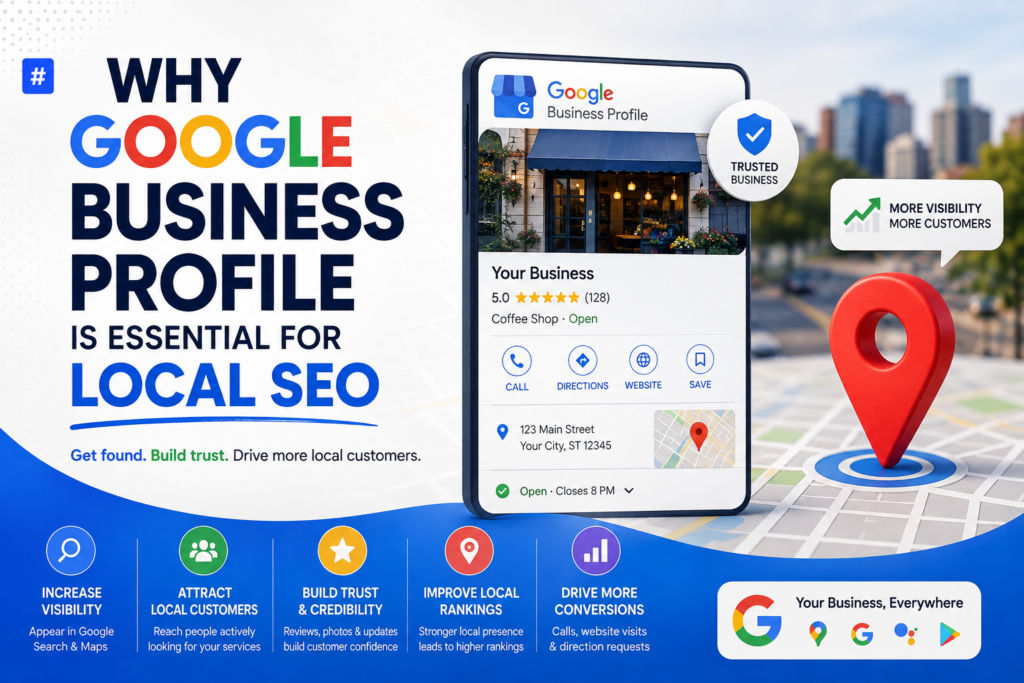
If you run a local business, showing up when nearby customers search for your products or services is non-negotiable — and Google Business Profile (GBP) is the single most powerful (and free) tool to make that happen. As an SEO consultant, I tell every local client the same thing: your website matters, but your GBP listing is often the first thing customers see.
What Is Google Business Profile?
Google Business Profile (formerly Google My Business) is a free listing that lets businesses manage how they appear on Google Search and Google Maps. It displays your business name, address, phone number, hours, reviews, photos, and posts — all in one place, right where customers are searching.
Why Google Business Profile Matters for Local SEO
A well-optimized GBP listing directly influences how well you rank in the “Local Pack” (the map results with three business listings) and in Maps search. Here’s why it’s so important:
1. It Boosts Local Visibility
GBP is a major ranking factor for local search results. Businesses with complete, verified, and active profiles are far more likely to appear in the coveted Local Pack.
2. It Builds Trust Through Reviews
Customer reviews shown on your profile act as social proof. More positive, recent reviews signal credibility to both Google and potential customers.
3. It Improves Click-Through and Conversion Rates
A profile with photos, accurate hours, and quick-response messaging gives searchers everything they need to choose you over a competitor — often without even visiting your website.
4. It Feeds Google’s Local Algorithm
Google uses signals from your GBP — such as consistency of your NAP (Name, Address, Phone), category selection, and engagement — to determine relevance, distance, and prominence, the three pillars of local ranking.
Key Elements to Optimize on Your GBP Listing
To get the most SEO value from your profile, focus on:
- Accurate NAP information — consistent name, address, and phone number across the web
- Correct business categories — primary and secondary categories that match your services
- High-quality photos and videos — updated regularly to boost engagement
- Complete business description — using relevant local keywords naturally
- Regular Google Posts — updates, offers, and events keep your profile active
- Consistent review management — responding to every review, good or bad
- Accurate hours and attributes — especially during holidays or special events
- Q&A section — proactively answering common customer questions
Common Mistakes That Hurt Local Rankings
- Leaving the profile unclaimed or unverified
- Using inconsistent business names across directories
- Ignoring customer reviews
- Choosing overly broad or incorrect categories
- Rarely posting updates or photos
Final Thoughts
Google Business Profile isn’t just a listing — it’s a ranking engine for local visibility. If you want to dominate local search results, treat your GBP with the same care you give your website. Regular updates, genuine reviews, and accurate information can be the difference between being found and being overlooked.
Frequently Asked Questions (FAQs)
1. Is Google Business Profile free to use? Yes, creating and managing a Google Business Profile is completely free for any business.
2. How long does it take to rank after optimizing GBP? It varies, but most businesses start seeing improved visibility within 4–8 weeks of consistent optimization and engagement.
3. Does GBP help websites without strong SEO? Yes, a strong GBP profile can generate visibility even if your website’s SEO is still developing, since Maps and Local Pack results are ranked separately.
4. How often should I post on Google Business Profile? Ideally, once a week. Regular posts signal activity and keep your profile relevant to Google’s algorithm.
5. Do reviews really affect local rankings? Absolutely. Review count, rating, recency, and how you respond to them are all factors Google considers in local ranking signals.
Written by Shahzaib Ali, Senior SEO Consultant